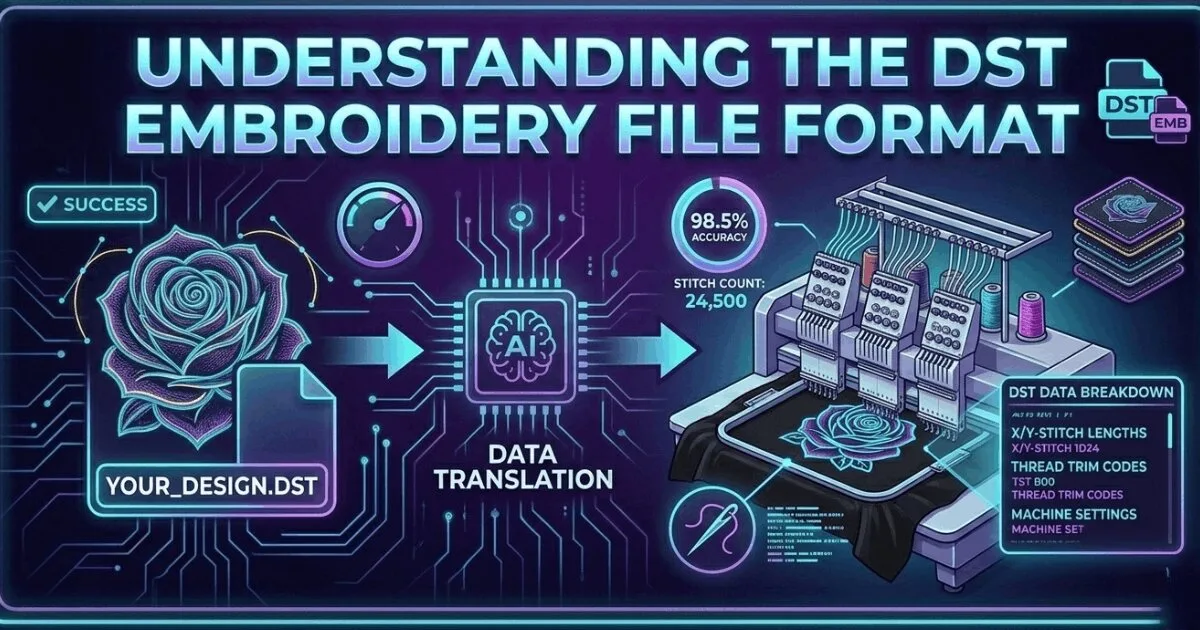
What Is a DST File? The Commercial Embroidery Format Explained
A DST file is the Tajima stitch format used by commercial embroidery machines worldwide. Learn what it contains, which m…
Read More
DST is a common commercial embroidery format used by Tajima and Barudan machines. It stores stitch coordinates and machine commands but no thread colors. We convert designs into production-ready DST files within 2 to 4 hours starting from $15.

4.7/5
Guaranteed File Compatibility & Industry Standards





A DST file is a machine stitch file used by the most common embroidery formats in the DST family. It stores machine stitch points, colour stop commands and machine control codes.
It is a machine-ready file: you load it directly into your embroidery machine and run it.
DST files are supported by Tajima, Barudan, ZSK, Happy, Sunstar and most other commercial multi-head embroidery machines. It is the closest thing to a universal embroidery format in the commercial production world.
DST files store stitch coordinates and colour stop commands but do not store thread colour information. Operators set thread colours manually at the machine. Sassy Digitizing includes a colour worksheet with every DST file delivery.
Every order from Sassy Digitizing includes DST format delivery alongside any other format you request. All formats are included in your order price. No extra charge for DST.
We deliver your DST file in 2 to 4 hours from artwork approval. Rush delivery in 1 to 2 hours is available at no extra charge.
DST is accepted by the widest range of commercial embroidery machines of any single format. It was developed by Tajima Industries and became the commercial standard because of Tajima's dominant position in the commercial embroidery market.
The DST format was designed for industrial machines that pre-date digital colour management. It stores only the stitch data your machine needs to run: XY coordinates, jump commands, colour stops and speed codes. Thread colour is not stored because on industrial machines, the operator loads the correct thread manually at each colour stop. This is why a DST file viewed in software appears as a single solid colour or uses placeholder colours. The actual thread colours are defined by a separate colour reference sheet, which we always include with DST deliveries.
For commercial multi-head machines
For Brother and Baby Lock machines
Loading a DST file requires preparation. Before you start, print or save your colour worksheet. The worksheet lists every thread colour in the order the machine will stop and ask for it. Load the first colour before starting. When the machine pauses, change to the next colour listed.
💡 Always run a test sew on scrap fabric before the full production piece. This confirms colours are in the correct sequence.
✓ Do this:
✗ Avoid this:
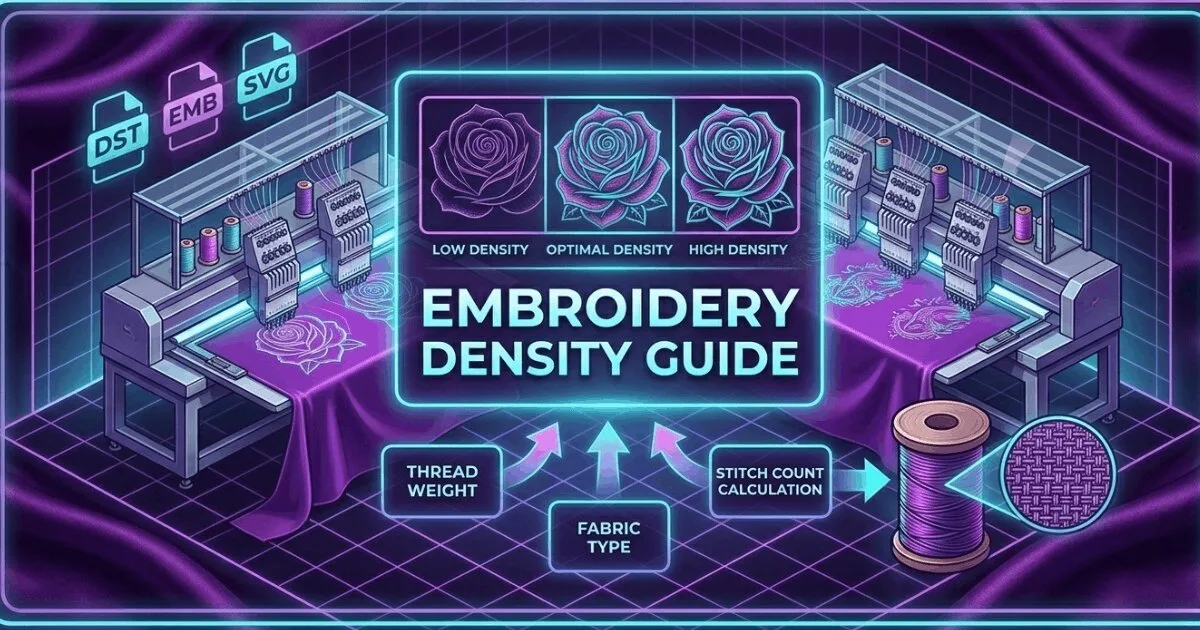
Auto-digitized DST files frequently fail in production because the software does not account for fabric pull, underlay requirements, or proper density settings. A file that looks correct as a preview on screen can still produce thread breaks, puckering, or registration errors.
💡 If your DST file breaks threads at the same point, the issue is almost always density too high for the fabric.
✓ Do this:
✗ Avoid this:
| Format | Machine Type | Stores Colours | Best For |
|---|---|---|---|
| DST | Commercial multi-head (Tajima, Barudan) | No | Industrial shops |
| PES | Brother, Baby Lock | Yes | Home and small commercial |
| EMB | Wilcom software | Yes | Source file for editing |
| JEF | Janome | Yes | Janome machines |
| VP3 | Husqvarna Viking, Pfaff | Yes | Viking and Pfaff |
Need a production-ready DST file? Delivered in 2 to 4 hours.
Get Production-Ready FileSenior Quality Control (HOD)
As the Head of Quality Control at Sassy Digitizing, Keith brings over 12 years of hands-on commercial embroidery experience to the table. He is our resident problem-solver, specializing in the technical nuances of stitch density, pull compensation, and complex digitizing. When he’s not establishing quality standards for 3D puff and appliqué, you’ll find him perfecting the art of small lettering to ensure every stitch counts.
Expertise:
Go behind the scenes of our design process. Discover technical tips for embroidery digitizing and best practices for high-quality vector conversions.
Upload your logo and get a professionally digitized embroidery file optimized for commercial embroidery machines.
Clients return because files run clean on machines and delivery timelines are consistently met. 4.7-star average on Google and Trustpilot. 54273+ designs delivered.


Wonderful Digitizer! FAST and Efficient. Wonderful Communication

Quick response. Excellent quality files. Reasonable rates.

I've been working with Sassy for almost a year now. There service and quality of work is top notch!!

Great quality, great price and great to work with! Have used them twice and will continue to use them in the future.

Great personal service. Quick, reliable quality work. A very customer oriented operation. Thank you!

Always top notch service from these guys! They do such a wonderful job. Have been using them a long time

It is very simple to make edit requests. Thank you

We just starting working with Sassy Digitizing. They are very responsive and have provided great stitch files. Even if a file needs to be edited they are quick to respond. So far so good!

Great communication. Easy and transparent process. Super quick too! We used Sassy Digitizing to help get some image files converted for an event t-shirt. End result was perfect. Definitely recommend to others.

I highly recommend Sassy Digitizing. Easy to submit, quick turnaround and stitches out beautifully! I use them for all of my digitizing needs.

The sassy team was super responsive, communicated well, and turned each project around super quickly. Highly recommend.

I've been working with Sassy for almost a year now. There service and quality of work is top notch!!

Great files and quick turnaround time.

Quick and easy, very painless. I will be using this service from now on.

Sassy does all of my digitizing and each logo stitches out beautifully

Clothing authority always has the product I need has great shipping prices and timely delivery
Francis Brady
Top notch service at a low price! Can't beat that! Been using these guys for a while now. They get the job done every single time. Never a disappointment! Thank you guys as always!
Joe Hamilton
They are always good quality and if there is something I do not like - they fix it
Becky Wof
Fast turnaround! Stitches beautifully.
Vickie Nimer
This was my first time doing business with AOGU apparel so I ordered a sample. I was very pleased with the sample and made a bulk order. I was very impressed with the quality, style, and design of the merchandise and so was my customers. I do plan to make more orders in the future.
Alquin Parker
I've been very satisfied with everything I've ever had done. Convenient, easy to use website makes it even better.

MsNform
They strive hard to please, their customers. Very reasonable priced also. That is who I use when I need something done, thank you much, Paula
Paula Rudolph
GREAT COMPANY TO WORK WITH. EFFICIENT, QUICK AND VERY PROFESSIONAL.
nicholas tolentine
From the beginning of my project til the end, John was extremely responsive and customized all my images perfectly. I will use Sassydigitizing for all my custom work in the future. They are professional and timely.
Cheryl Jokich
MSP Embroidery and More have used Sassy Digitizing for over two years. They provide top notch service as reasonably priced. They are always willing to go over and above the call of duty to assist us. They are also very accommodating. I highly recommend them and will continue using them. Thank you Sassy

Marshalle Peay
They always do a great job and are super easy to work with. Always willing to make quick fixes if needed as well. Highly recommend!

Keli Casey
I love Sassy Digitizing! They give professional, prompt service. They cater to their customers to provide them with the best service possible!

Dawn Bradley
Very fast response time and I'm happy with the result. Just make sure you know exactly what you want and be very clear with images, color codes etc 🙌🏼 Will use again for sure!

Chris Law
I have never worked with such a kind, knowledgeable company. Ben is absolutely amazing and extremely fast at completing any design you throw his way with great file quality. Very fast responses and they go above and beyond. I would recommend sassy digitizing to everyone who needs any design
Ash
Sassy Digitizing is the best in the industry! Great Quality and fast turnaround! They have amazing attention to detail and are always following up to make sure the files sew as we expected! I've worked in the industry for 25yrs and my only regret is not partnering with Sassy sooner!!!

Absolute Screen Printing
Everything you need to know about our embroidery digitizing service, pricing, file formats, turnaround times and revision policy.
Yes, DST files can be opened on a computer using embroidery software such as Wilcom, Hatch, SewArt, or the free viewer software provided by many machine manufacturers like Tajima Pulse. You can view the stitch path, stitch count, and color sequence in these programs, but you cannot edit the file without professional digitizing software. Free viewers let you inspect DST files before loading them on your embroidery machine.
Upload your logo in JPG, PNG, PDF, or AI format to Sassy Digitizing and it will be manually converted into a production-ready DST file using professional Wilcom V9 and E2 software. Our expert digitizers hand-build every stitch path with correct density, underlay, and pull compensation for commercial embroidery machines. Turnaround is typically 2 to 4 hours after artwork approval, with rush delivery available in 1 to 2 hours at no extra charge. Starting price is $15 for cap and left chest logos.
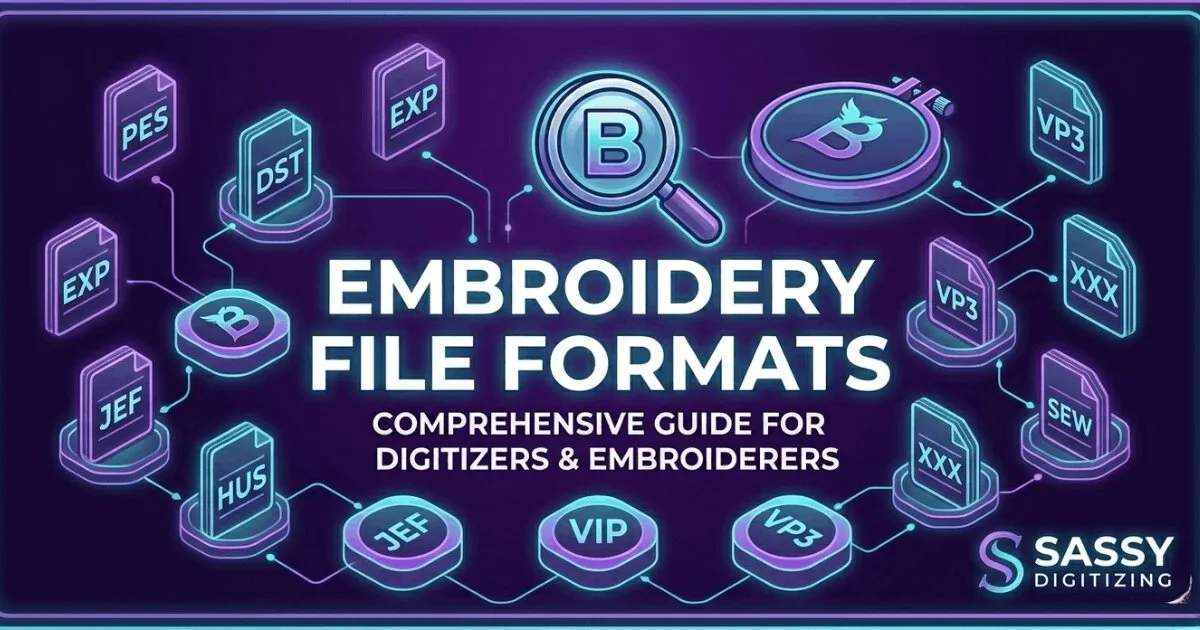
DST is one of many embroidery file formats, not the only one. Other common commercial embroidery formats include PES (Brother machines), JEF (Janome), VP3 (Husqvarna Viking), and EMB (Wilcom source files). However, DST is the most widely supported commercial format across different machine brands. Most commercial multi-head embroidery machines can read DST files, making it the closest thing to a universal embroidery format in the commercial production world.
DST is a machine-ready output file that contains stitch coordinates and color stop commands but no editable design objects. EMB is a Wilcom native source file that contains all stitch data, full color information, and editable design elements. You run DST files on your embroidery machine for production. You edit EMB files in Wilcom digitizing software to make design changes. Sassy Digitizing builds all files as EMB source files and delivers DST as the final machine-ready output format.
DST files are natively used by Tajima commercial embroidery machines and are widely supported by Barudan, ZSK, Happy, Sunstar, and most commercial multi-head embroidery systems worldwide. Many Brother commercial machines also support DST format in addition to their native PES format. Single-head home embroidery machines typically use brand-specific formats like PES or JEF instead of DST, though some professional home models accept DST with software conversion.
DST files do not store thread color data as part of the file format specification. This is a deliberate limitation of the DST format, not a file error or digitizing mistake. Thread colors must be set manually on the embroidery machine by the operator using the color sequence information. Sassy Digitizing provides a detailed color worksheet with every DST file delivery, listing the thread brand, color code, and exact sequence to load at each color stop on your machine.
DST files can be slightly resized (typically up to ±20%) using embroidery machine software or programs like Wilcom, but significant scaling changes will negatively affect stitch density, underlay structure, and overall embroidery quality. Large size changes require re-digitizing the design from scratch with proper density and underlay settings for the new dimensions. For best production results and clean embroidery output, designs should be professionally re-digitized for any size variation beyond minor adjustments.
Upload your artwork and get a machine-ready embroidery file in just 2 to 4 hours. No upfront payment. Pay only after you approve. Free revisions included!
2–4 Hours
Rush Turnaround
100% Approval
Pay After Approval
Free Revisions
Until You're Happy
Lightning-Fast Delivery
Get your file in 2–4 hours, every time.
Expert Quality
38+ expert digitizers with years of experience.
24/7 Support
We're here to help, anytime you need us.
Secure & Confidential
Your files are safe with us. Always.
Upload your artwork now and let our experts turn it into perfection, fast.
1,794+
Happy Clients
4.7★
Client Rating
38+
Expert Digitizers
6+
Years Experience